SLAP!Oct 2026
SLAP!
Live captions for any classroom
#Hardware#Embedded#Real-time#AI
- Type
- Hackathon projectOCC Hacks 2026
- Team
- MeHibiki (@BikkyNico)
- Duration
- ~30 hoursOct 2026
- Hardware
- ESP32-S3Arduino UNO R4INMP441 mic2.42" OLEDMPU60503D-printed housing
- Software
- C++ (PlatformIO)TypeScript, NodeHono, WebSocketsReactNeon PostgresDeepgram, SonioxCloud TranslationFish AudioGPT-6 Luna
- Link
- GitHub↗
A lecture is gone the moment it's spoken. What if the whole room could read it live, in their own language, and keep it?
Overview
SLAP! is a hardware and software project Hibiki and I built in about 30 hours at OCC Hacks. It's a small device that sits near the lecturer, and you have to slap it to turn it on. Everyone in the class follows the same live captions on a shared web page, translated into Vietnamese or Japanese if they need it. Every lecture is saved and tied to the rest of the course, and turned into study material.
Context
In class I'd do my best to take notes, follow the lecture and pay full attention, and something would still slip through the cracks. Transcription tools like Granola and Wispr are made for work meetings, not for students; I'd check a lecture transcript once or twice and never again. And by then my study material was scattered across transcripts, GoodNotes, Canvas, paper handouts and PDFs, which made pulling it together a pain.
Hibiki had the same problem, and as an international student, a language barrier on top of it.
The device
Why a device and not a phone app: a microphone near the lecturer hears more clearly than a phone in the back row, so the transcript is more accurate. It's cheap and easy to replace, and nobody gets looked at for having their phone out in class.
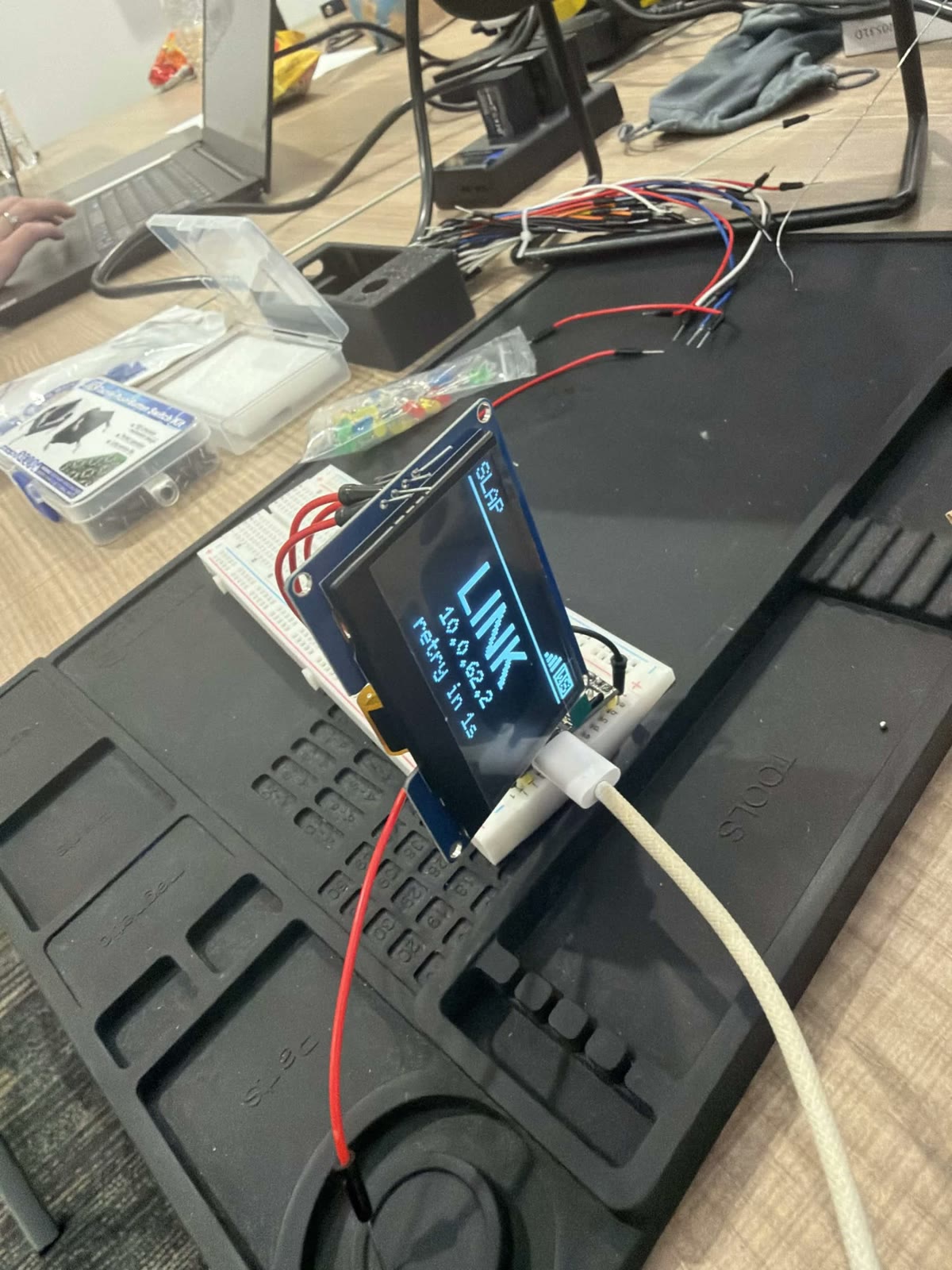
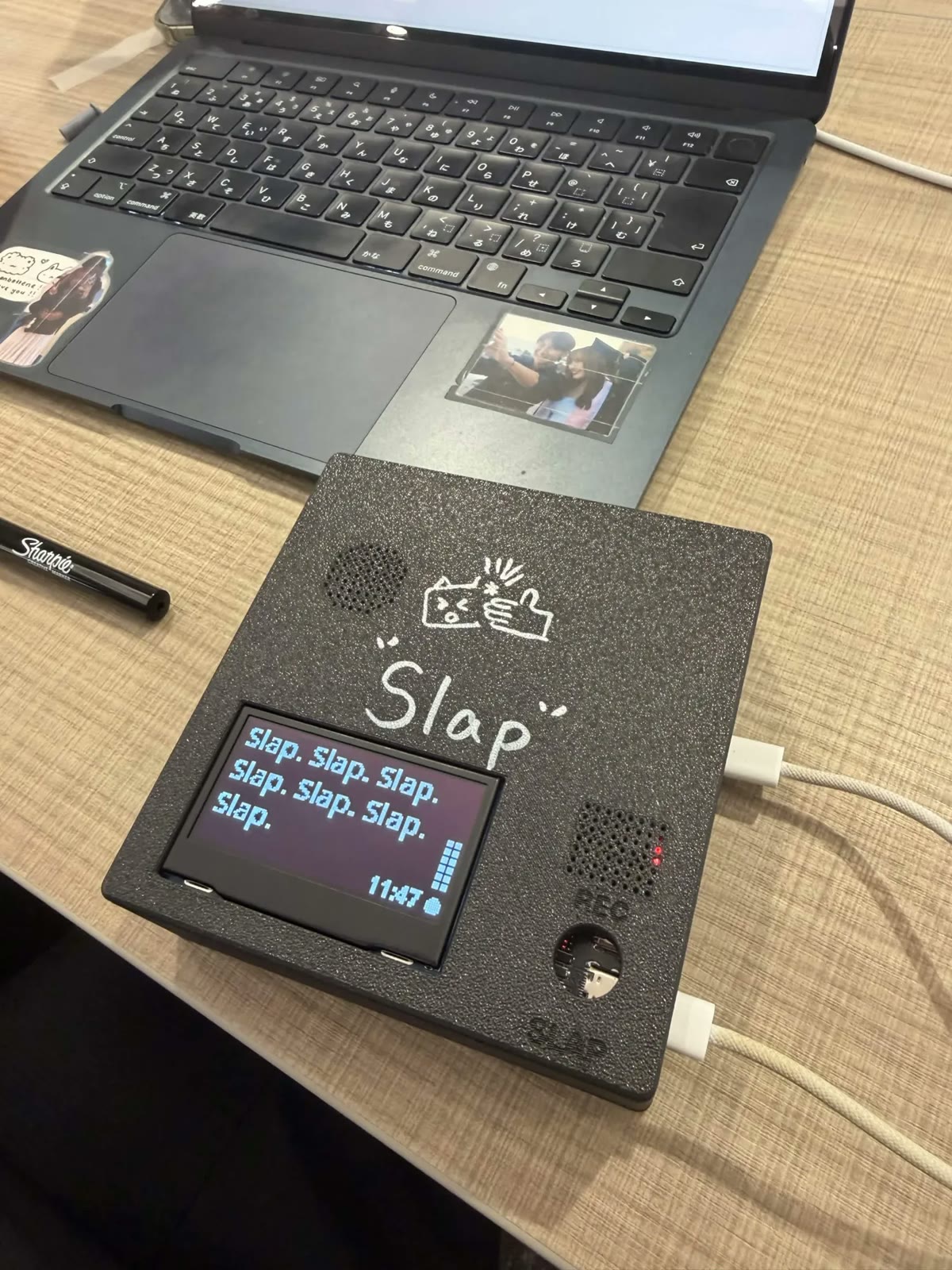
Inside is an ESP32-S3 with an INMP441 microphone and a 2.42-inch OLED, streaming audio to the server over Wi-Fi. An MPU6050 motion sensor feels the slap, run by an Arduino UNO R4, all in a 3D-printed housing. There's no pairing: switch it on and it appears in the Devices panel by itself, and you pick which class it records into.
When it wakes, the screen plays a six-frame animation, the cat mascot getting slapped. The frames are 128 by 64 one-bit sprites drawn as text in the repo and compiled into the firmware by a small script. It's the same animation at the top of this page.
Captions and translation
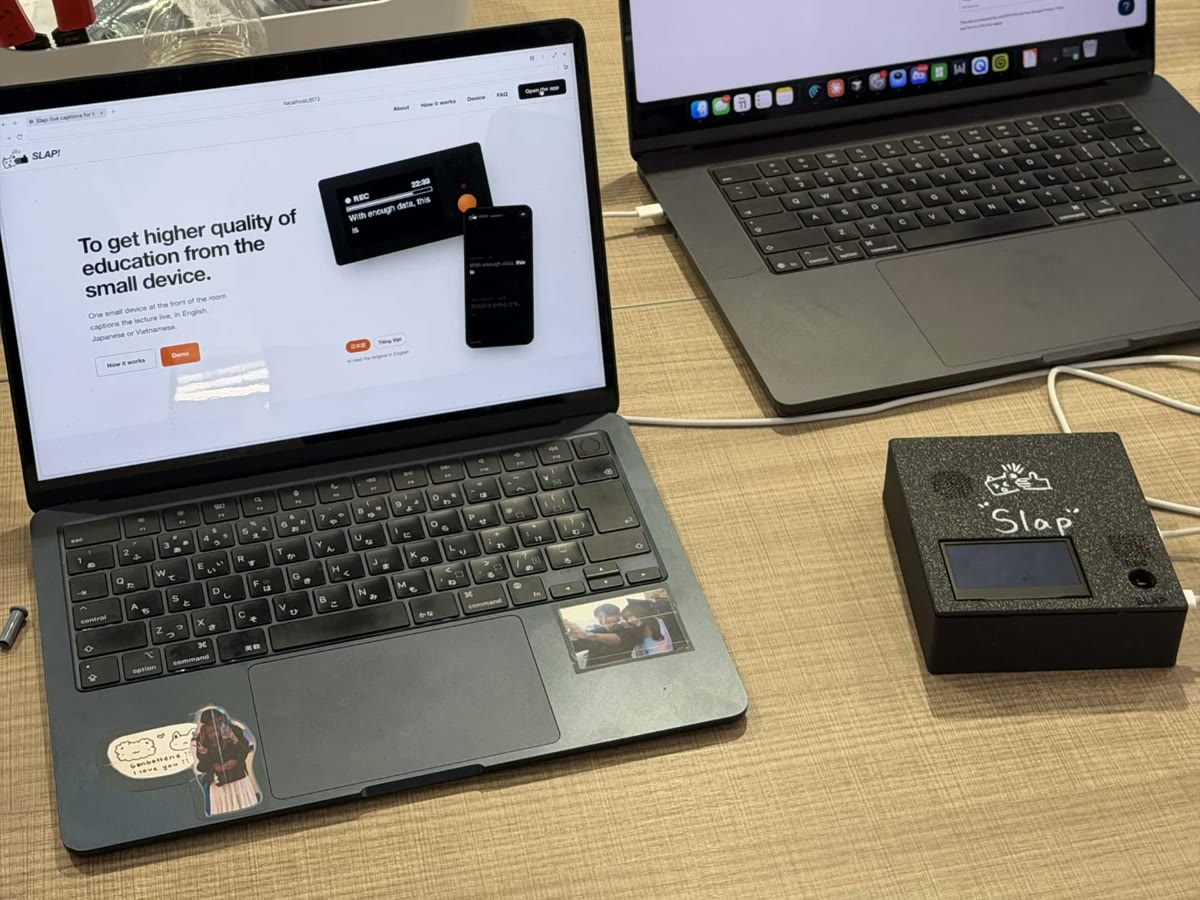
The server is Node and TypeScript (Hono plus WebSockets). It sends the device's audio for live transcription and pushes captions to every phone on the class page in about 150 ms. There's no sign-in; anyone with the code follows along. Translation into Vietnamese and Japanese adds about 25 ms.
Every outside service has a mock behind it. Without API keys the whole app still runs end to end, which made it fast to build and safe to demo.
Making it fast
- Latency is about where you wait, not how small your packets are. We expected smaller audio packets to help, but 20 ms and 250 ms packets made no measurable difference. Dropping Deepgram's SDK for a raw WebSocket did: interim captions went from 555 to 121 ms (78% faster), final captions from 920 to 438 ms (52%), and it stopped crashing on Node 22.
- Pick the model for how it streams, not just how accurate it is. Switching to Soniox cut the worst-case (p90) word delay from about 1.5 s to 0.7 s, because it sends an update every ~100 ms where Deepgram sends one about every second.
- The cloud still beats local for speed. We benchmarked four local translation models on a Mac, and none beat Google Cloud Translation: 167 ms for two languages in parallel, against 305 ms to 1.5 s locally. Each sentence is translated once per language, not once per student, so the cost doesn't grow with the class.
After the lecture
Every lecture is saved and connected to the rest of the course. Combined with the syllabus and textbook, it builds a study plan toward the exam dates, with flashcards, multiple-choice and short-answer questions on what was actually said in class. A knowledge graph shows how the concepts connect, and you can ask the lecture a question or export the class as an Obsidian vault.
For something more interactive, you can pick a voice to explain a concept to you, generated with Fish Audio.
Reflections
Hardware is the risk. The MPU6050 didn't fit the ESP32, so it went on an Arduino, and I had to double the housing at the last minute to make room. We barely got it off the breadboard, soldered and into the case in time.
Live captions need WebSockets held open and state in memory, so the API can't run on serverless hosting; it runs on a small server, with the web app optionally on Vercel.
I learned plenty building it, and the show-and-tell with other attendees was the most fun I've had in a while.